
Connect
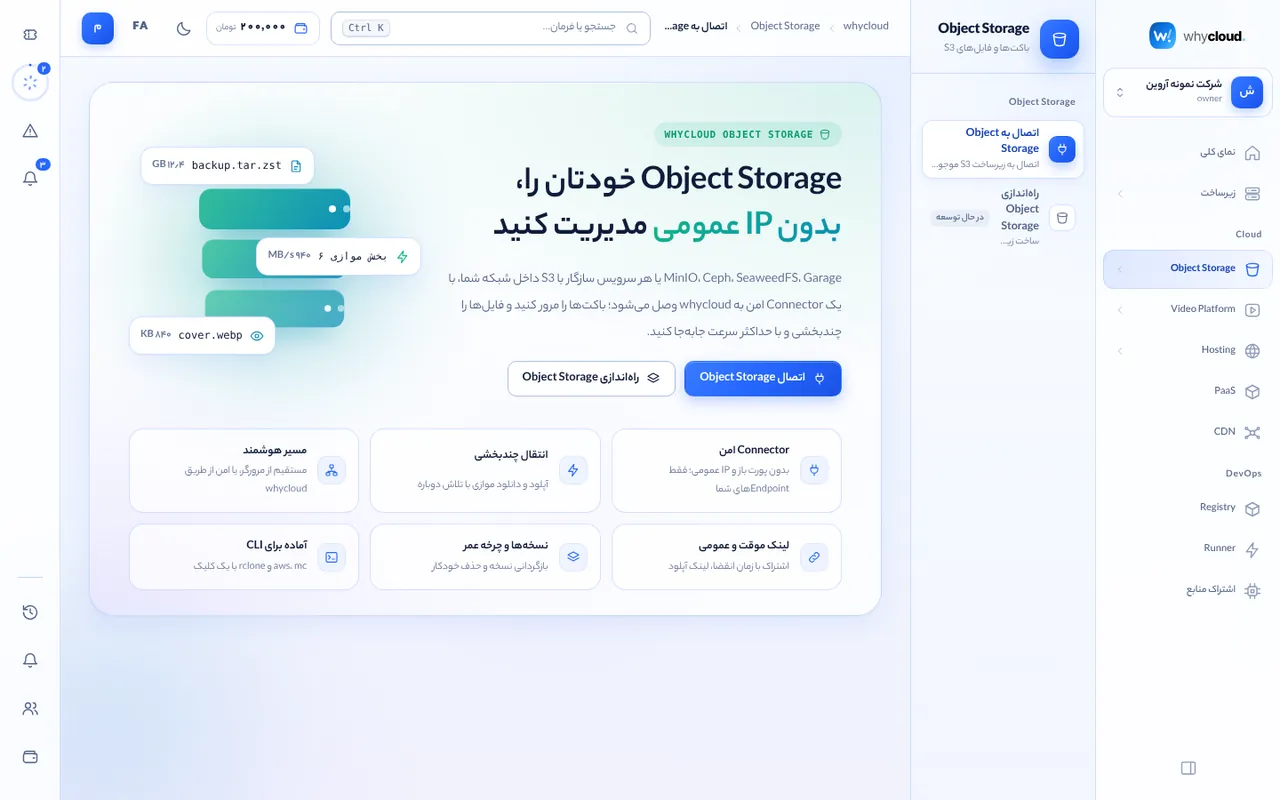
In Object Storage → Connect, choose a connector server that can reach your S3, enter the endpoint (for example minio.local:9000) and keys, and test. The agent only talks to registered endpoints and the secret key is stored encrypted.
Buckets
Create or delete buckets, enable versioning and configure CORS for direct browser access.
Files and folders
Drag and drop files and folders; multipart uploads run six parts in parallel and resume after interruptions. The browser uses a direct path when it can reach S3 and the whycloud path otherwise. Rename, bulk delete and image/text previews are available.
Temporary links
Create 15-minute to 7-day links: direct presigned URLs for people on the S3 network, or whycloud links that open anywhere. Everything is audited.