
Choose a host
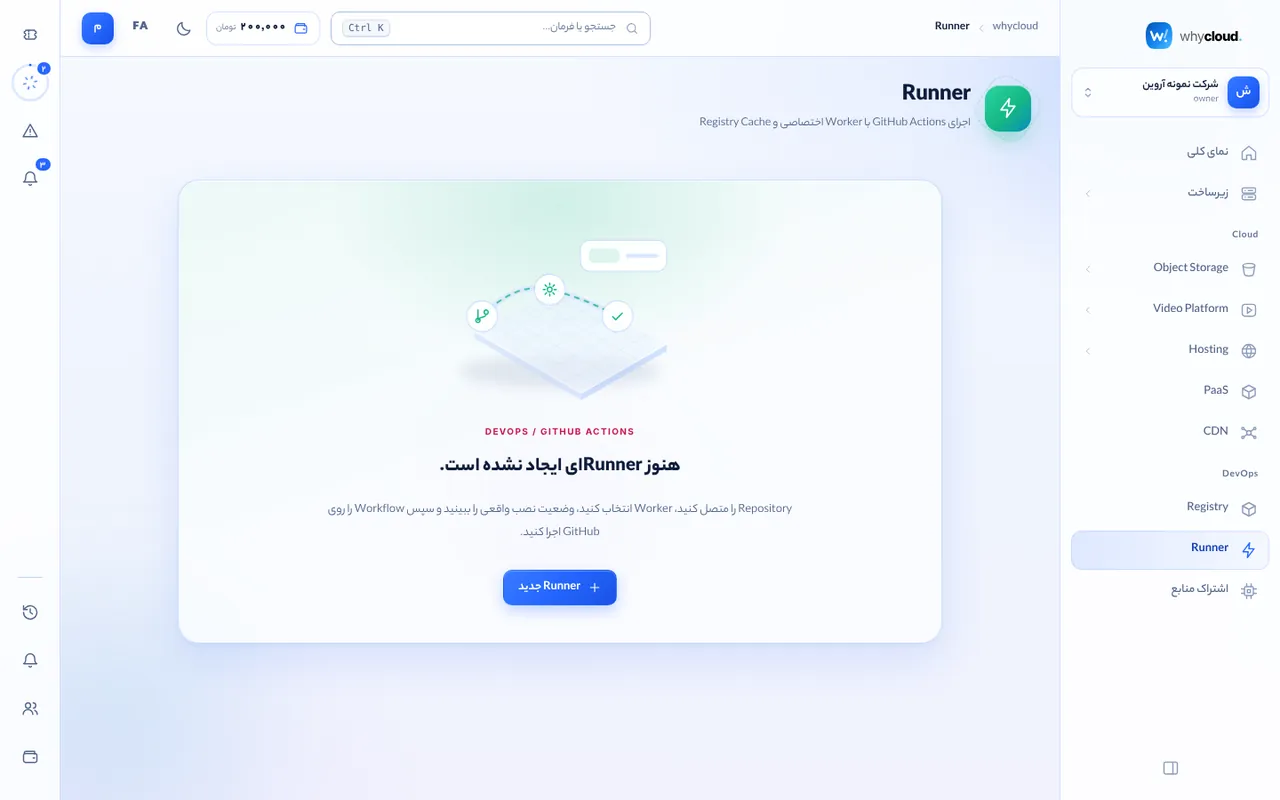
In DevOps → Runner click “New runner” and pick one of your connected servers or a whycloud cloud runner group. Each cloud host serves exactly one runner.
Connect the repository
Enter owner/repo (or a GitHub organization) and a runner registration token from GitHub → Settings → Actions → Runners. The token is kept only in memory and handed to the runner during registration; whycloud does not store it.
Use it in workflows
Use runs-on: self-hosted (or your labels). For faster builds use Docker Buildx with cache-from and cache-to on the whycloud registry.
Monitor and remove
Status, last activity and logs are in the console. Removing a runner unregisters it from GitHub and frees the host.