
Open a ticket
In the console → Support click “New request”, choose the product (for example CDN or Hosting), priority and subject, and describe the problem: domain or service ID, time and error message. Include the Ray ID from whycloud error pages.
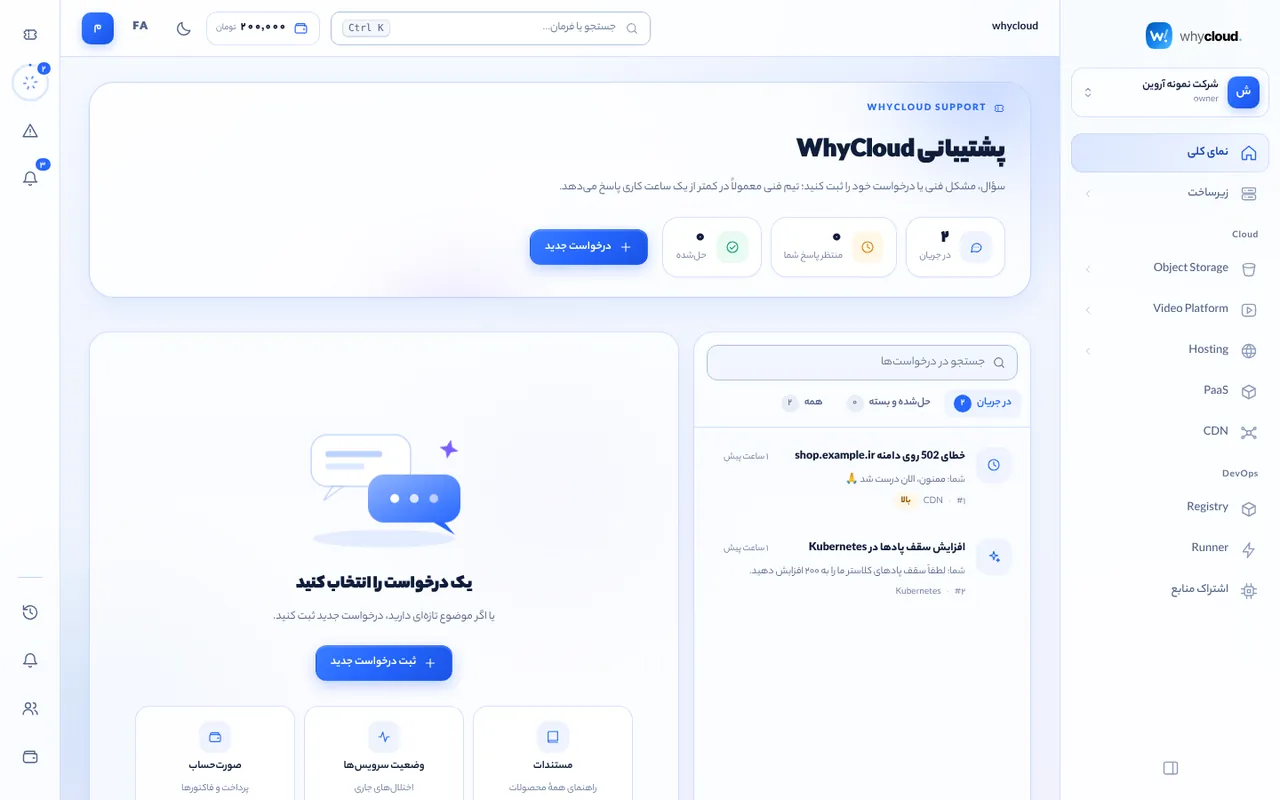
Follow the conversation
The list shows open and closed tickets with search and status filters. Selecting a ticket opens a live conversation; engineer replies appear without reloading. Press / to search.
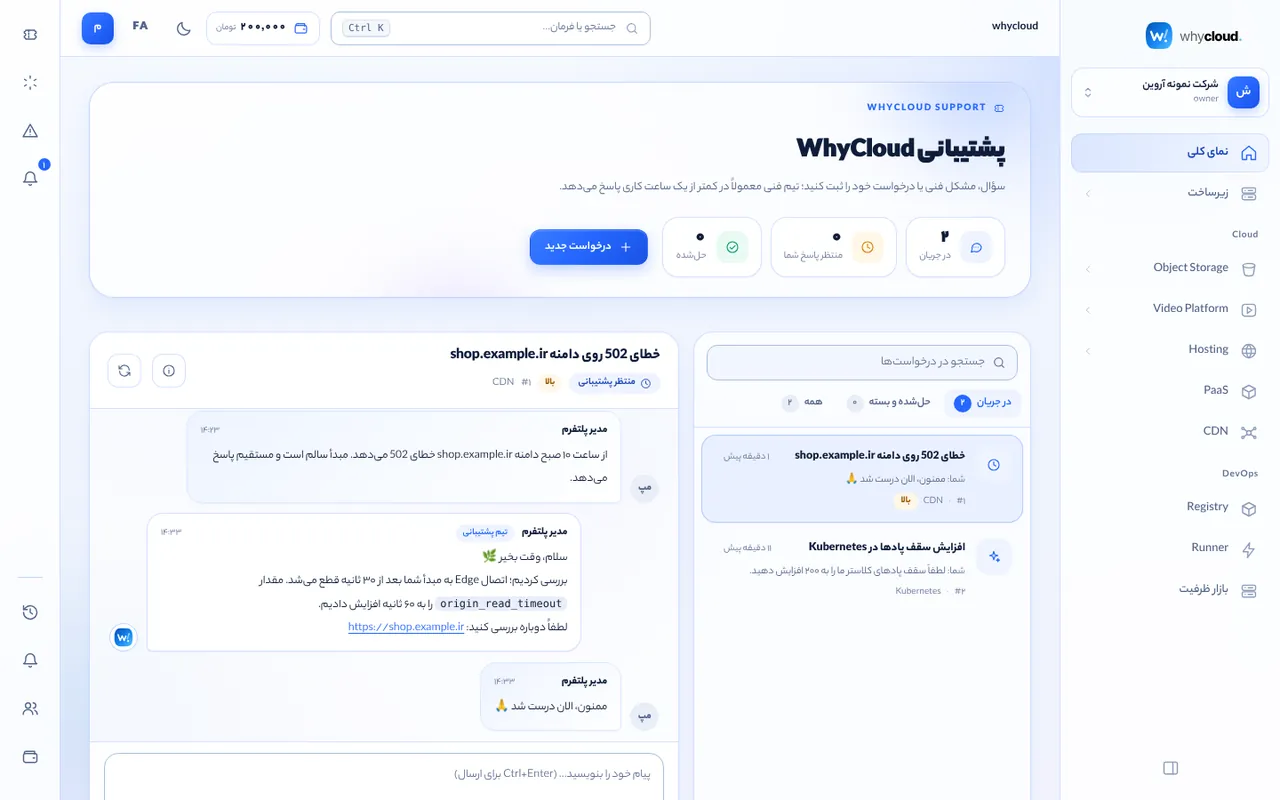
Status and priority
Statuses: open, waiting for you, in progress and closed. Use “Urgent” only for outages. Resolved tickets close and reopen when you reply.
Service status
Before reporting an outage, check the service status page for announced incidents and estimated resolution.